Product update: Order Form Manager is our active product focus. Innovra DINE is secondary and is not under active development. Restaurant workflows in this guide are provided for information.
Most restaurant owners do not lose money on food cost. They lose it in the eleven minutes between a guest sitting down and their order reaching the kitchen.
Watch a full house on a Saturday evening. Four tables have menus and no waiter. One table has ordered twice because the first slip went missing. The kitchen is holding a ticket nobody can read. Nothing here is a staffing failure. It is a queueing problem, and the queue runs through one person carrying a notepad.
QR ordering removes that queue. The guest orders directly from their phone, the kitchen receives a structured ticket, and your staff move from taking orders to serving them. This guide covers how a QR ordering system for restaurants actually works, what it changes operationally, and how to roll one out without disrupting service.
What a QR ordering system actually does
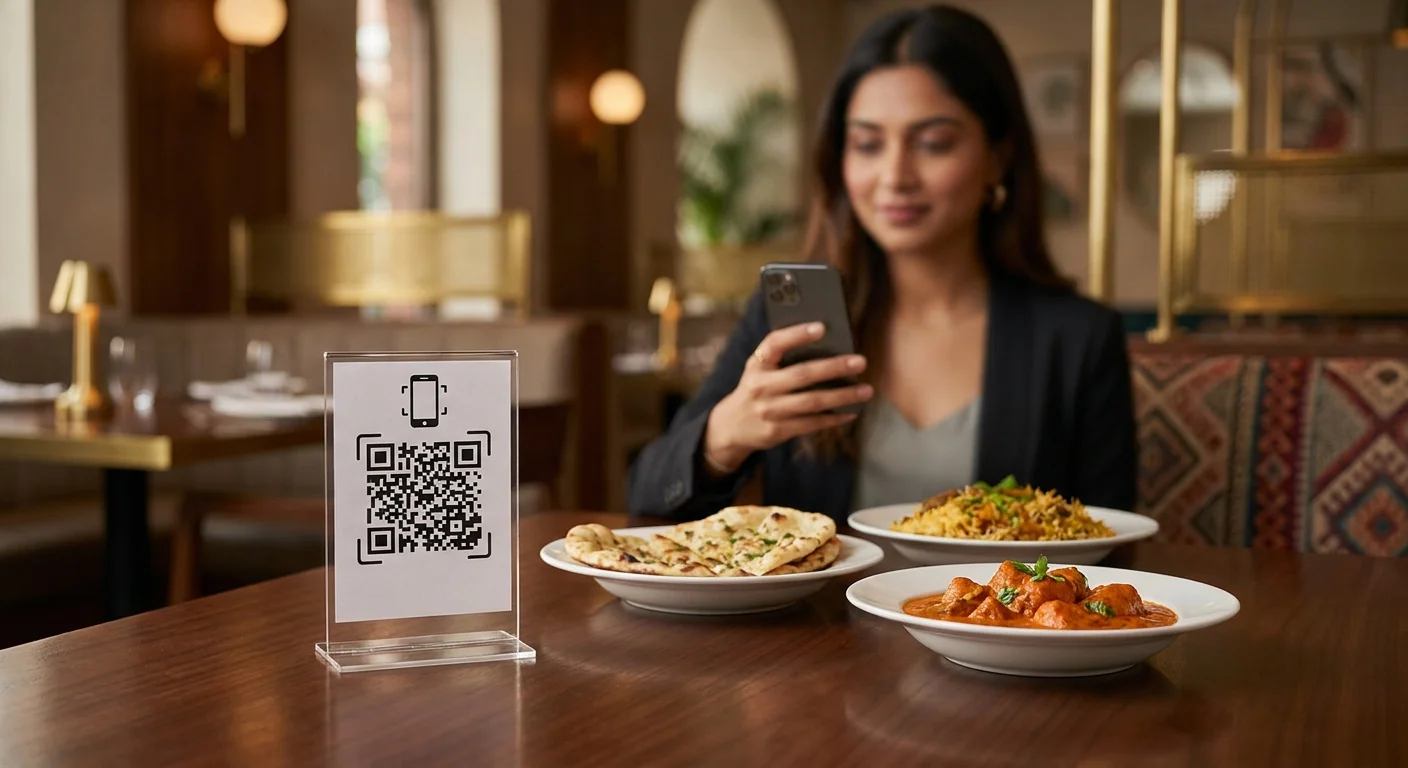
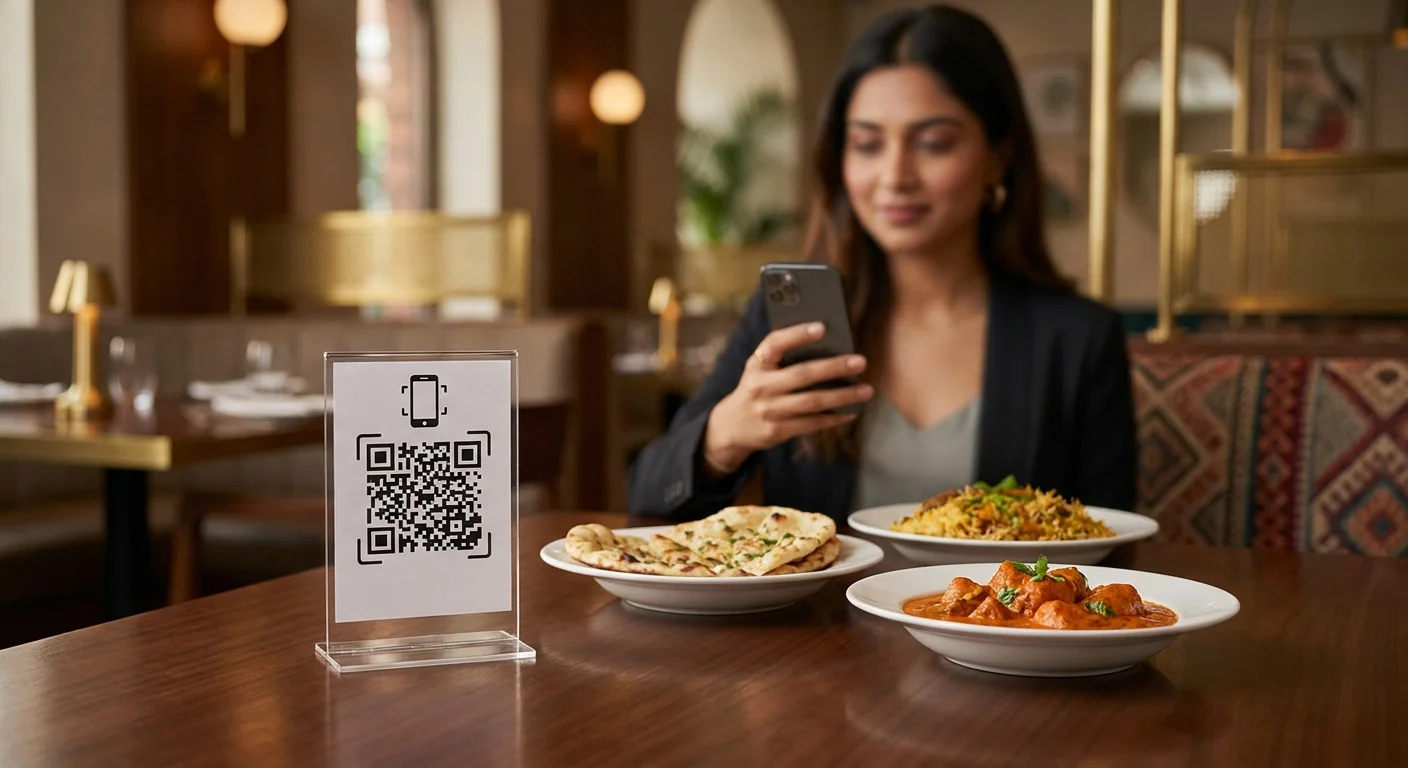
A QR ordering system replaces the paper menu and the order-taking step with a web page the guest opens by scanning a code on the table.
The flow is short:
- The guest scans the QR code printed on the table tent or sticker.
- A menu opens in their browser. No app install, no login.
- They add items, note preferences, and place the order.
- The order arrives at your kitchen display or printer, tagged with the table number.
- Staff deliver the food and close the bill.
The important detail is step two. If the guest has to install an app, adoption collapses. Anything that runs in the browser gets used; anything that needs the Play Store does not.
What it is not
QR ordering is not self-service in the sense of removing hospitality. Your staff still greet, still recommend, still handle the table. What disappears is the mechanical transcription work: writing down items, walking them to the kitchen, and correcting mistakes made in transit.
The four costs QR ordering removes
1. Wait-to-order time
In a busy dining room, the gap between a guest deciding and a guest ordering is the single largest source of table time. Every minute in that gap is a minute the table is occupied but not producing. QR ordering collapses it to zero. The guest orders when they are ready, not when someone is free.
2. Transcription errors
A handwritten KOT passes through at least two readings: the person who wrote it and the person who cooks from it. Modifiers ("no onion", "less spicy", "half plate") are exactly the details that get lost. A structured digital order carries the modifier as data, not as handwriting.
3. Reprint costs on every menu change
Physical menus lock your pricing until the next print run. A digital menu changes in seconds. Sold out of a dish at 8 PM? Mark it unavailable and it disappears from every table immediately.
4. Day-end-only visibility
Most owners find out how the evening went after it is over. Live order data means you can see which items are moving, which tables are still open, and when the rush is peaking while you can still act on it.

What changes for your staff
This is where rollouts succeed or fail. QR ordering changes the job description of your floor staff, and if you do not say so explicitly, they will assume it threatens their role.
| Before | After |
|---|---|
| Take order, write KOT, walk to kitchen | Confirm order on screen, focus on service |
| Chase the kitchen for status | Status visible on the same screen |
| Handle menu questions repeatedly | Menu details are on the guest's phone |
| Recover from illegible tickets | Structured tickets, no transcription |
Framed correctly, staff get the tedious part of the job removed. Framed badly, it reads as a headcount cut. Have the conversation before day one.
Choosing a system: what actually matters
Ignore feature lists for a moment. Five things determine whether a QR ordering system survives contact with a Saturday rush:
- Browser-only for guests. No app, no signup, no OTP before ordering.
- Works on weak networks. Your guests are on whatever signal your building allows. The menu must load on 3G.
- Kitchen routing you control. Different sections (kitchen, bar, dessert counter) should receive only their own items.
- Menu editing without support tickets. If changing a price requires emailing a vendor, the menu will drift out of date.
- Multi-outlet reporting, if relevant. Food court operators need per-counter numbers with a single guest-facing journey.
Pricing matters, but a cheap system that staff route around costs more than a fair one they use.
A rollout that does not disrupt service
Do not switch the whole floor on a weekend. A staged rollout takes about a week and lets you fix problems while volume is low.
- Load the menu properly. Categories, modifiers, prices, and photos where you have them. This is the bulk of the work. Budget an afternoon.
- Start with four tables. Pick a section with a regular server who is comfortable with the change.
- Run a weekday lunch. Low volume, forgiving guests, real conditions.
- Fix the friction you find. Usually it is QR placement, a missing modifier, or a category order that does not match how people browse.
- Expand to the full floor. Keep paper menus available for the first fortnight. Some guests will want them, and that is fine.
- Review the data after two weeks. Look at order times, item mix, and where guests abandon mid-order.
Placement details that matter more than they should
Put the code where a seated guest can scan it without moving anything: table tent at eye level, or a sticker at the table edge. Codes hidden under menu cards or behind cutlery holders do not get scanned. Add one line of instruction: Scan to see the menu and order. Guests who have never done it before need exactly that much prompting.
Frequently asked questions
Do guests need to download an app?
No. A well-built QR ordering system opens in the phone's browser. Any system that requires an app install will see most guests hand the phone back and ask for a paper menu instead.
What happens when a guest has no smartphone or no data?
Keep a small stack of paper menus and let staff place the order on a tablet or their own device. QR ordering is the default path, not the only path.
Does this replace my POS or billing system?
Not necessarily. Most restaurants run QR ordering alongside existing billing, with orders flowing into the same kitchen and the bill settled as usual. Whether you consolidate later is a separate decision.
How do we handle a guest who orders the wrong item?
The same way you do today: staff can edit or cancel the order from their screen before it is fired to the kitchen. The difference is that the correction is recorded rather than shouted across the pass.
Is this worth it for a small outlet with four tables?
Often yes, for a different reason. Small outlets rarely have spare staff. Removing the order-taking step means one person can run the floor during a rush without service quality dropping.
What to do next
Start by timing your current flow for one service: how long from a guest sitting to the kitchen receiving the order, measured across ten tables. That single number tells you whether QR ordering is worth pursuing and gives you a baseline to compare against later.
Innovra DINE is a secondary product and is not under active development. Our current product focus is Order Form Manager.