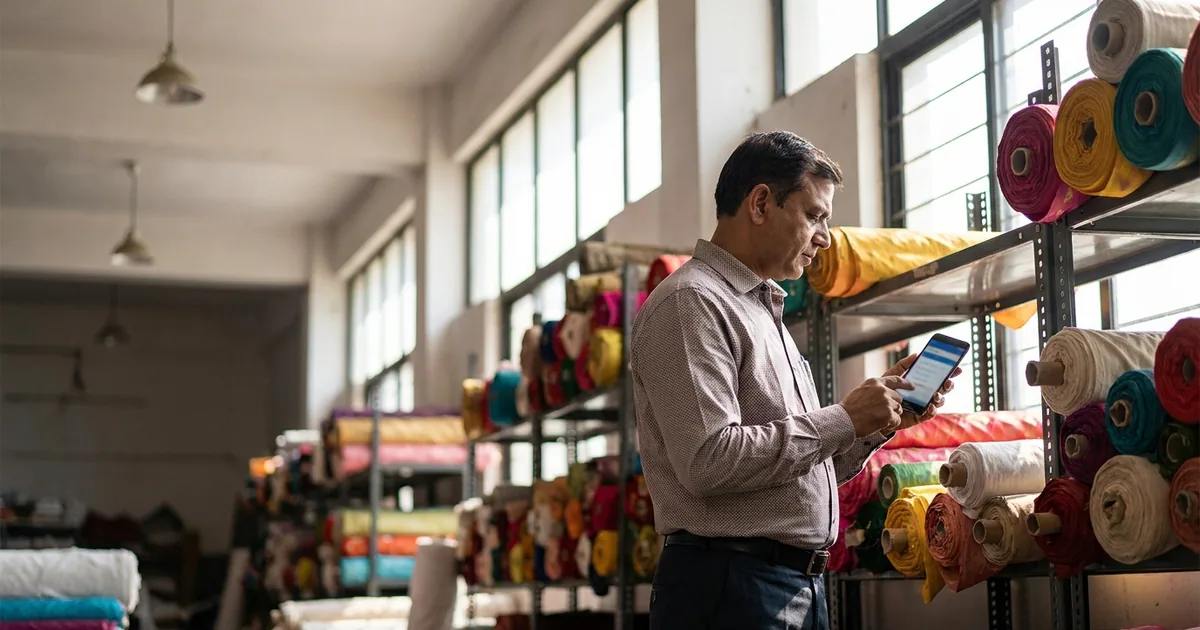
At 8:00 PM in any major textile hub, whether Surat, Ring Road, Ahmedabad, Tirupur, or Bhiwandi, a broker or trading agent’s WhatsApp is flooded. You receive a 20-second voice note asking for "50 bales of the same grey quality sent last month," followed by a blurry photo of a scribbled paper notepad from a buyer in Kanpur, and three separate text messages changing the shade numbers for a crepe print order.
Your staff sits down to clean up these inputs. They read the voice notes, re-type party details into Excel sheets, transcribe shade numbers onto paper slips (kacha chitti), and send purchase instructions to weavers, processing houses, or spinning mills.
This manual transcription bridge between unstructured WhatsApp chats and mill instructions is where profits leak. A mistyped digit in a shade card, a missing cut-length specification, or an outdated transport name creates rejected dispatches, blocked inventory, and freight disputes that erode your brokerage or trading margin.
The Breakdown in WhatsApp Order Management
WhatsApp is unmatched for speed and quick communication, but it was never designed to serve as an order-entry system for wholesale textiles. Textile orders carry high technical complexity. Unlike standardized consumer goods, a single fabric order requires explicit clarity across multiple parameters: yarn count, construction (reed and pick), weave, GSM, width, shade number, cut length, put-up (lumps, rolls, or bales), design number, and mill packing terms.
When buyers place orders through unstructured WhatsApp messages, vital parameters are routinely omitted. A buyer requests "100 Lumps 58-inch Rayon," assuming you will remember their preferred cut length is 100 meters instead of 80 meters. Your office clerk creates the mill order using the standard 80-meter fold. The mill processes the order, the transport carries it to Kanpur, and the party rejects the consignment upon arrival because the cut size does not fit their cutting tables.
Unstructured WhatsApp Message
       │
       ▼
Manual Re-typing by Agency Clerk  ──► [Risk Point: Wrong Shade / Incorrect Transport]
       │
       ▼
Incomplete Mill Dispatch Note
       │
       ▼
Rejected Freight & Blocked Payments
The core issue is not staff negligence; it is the absence of a required, structured input framework at the point of order capture.
The Financial Impact of Order Transcription Errors
When an order error occurs in wholesale textile trading, the cost is rarely limited to a simple replacement. The financial damage cascade includes concrete, unrecoverable operational costs:
- Two-Way Freight Charges: If a transport firm delivers incorrect fabric shades or wrong widths to a buyer’s godown, the agent or trader pays the onward freight and the return transport back to the processing house or mill.
- Dead Stock at Mill/Godown: Fabric dyed to an incorrect custom shade cannot easily be resold to another party without heavy discounting. It sits in your godown or the mill's holding area, tying up working capital.
- GST & Invoicing Complications: Generating an e-Way bill and GST tax invoice against an incorrect order means issuing credit notes, reversing GST entries, and adjusting party ledgers across tax filing cycles.
- Brokerage Deduction: For commission agents, mills withhold brokerage on disputed or returned lots. A single error can wipe out the net commission earned from that buyer across an entire quarter.
- Relationship Friction: Buyers operate on tight garment manufacturing schedules or export deadlines. A five-day delay caused by re-processing an order damages buyer trust permanently.
Using a digital order form for textile traders removes the dependency on manual re-keying, ensuring every order matches exact buyer and mill specifications before production begins.
Anatomy of a Complete Digital Textile Order Record
To eliminate ambiguity, a digital order form must capture all operational, technical, and commercial variables in a single, standard structure.

1. Header and Identification Data
- Order Number & Date: Auto-generated unique tracking key.
- Buyer Name & GSTIN: Linked directly to your saved party directory to ensure matching tax details.
- Consignee Details: Delivery destination if different from the primary billing address.
- Preferred Transport: Nominated transport agency, station, and door-delivery/godown-delivery terms.
2. Fabric & Technical Specifications
- Quality / Construction: Detailed yarn specifications (e.g., 60s x 60s / 92 x 88 combed cotton, or 140 GSM Warp Knit).
- Width & GSM: Exact usable width in inches (e.g., 44”, 58”, 72”) and finished weight.
- Design & Shade Details: Specific shade card number, design code, or colorway breakdown per lot.
- Cut / Put-up: Meterage per lump or roll (e.g., 100-meter lump, 30-meter rolls, or 200-kg bales) and fold specification (e.g., book-fold, double-fold).
3. Commercial & Mill Terms
- Supplier / Mill Name: The specific weaver, knitting unit, or processing house fulfilling the order.
- Rate & Unit: Ex-mill or landed rate calculated per meter, kilogram, or piece.
- Payment Terms: Agreed credit period (e.g., 30 days PDC, advance against dispatch, or 7-day cash discount).
- Delivery Schedule: Ready stock dispatch date or staggering schedule for mill production runs.
WhatsApp vs. Digital Order Form Workflows
The table below contrasts standard daily operations between traditional WhatsApp/paper management and a dedicated textile order management software workflow.
| Operational Touchpoint | Traditional WhatsApp & Paper Workflow | Digital Order Form Workflow |
|---|---|---|
| Order Receiving | Voice notes, loose photos, and fragmented chats across multiple staff phones. | Structured link or mobile entry form collecting mandatory fields before submission. |
| Data Verification | Staff manually matches party names, shade codes, and GST numbers from memory or old diaries. | Pre-populated directories auto-fill GSTIN, transport, and past quality codes. |
| Mill Communication | Clerks re-type notes into fresh WhatsApp messages or handwrite kacha slips for mills. | One-click creation of standardized PDF purchase orders formatted for mill dispatch. |
| Quality Variant Handling | Colors, cuts, and widths are written in free text, leading to misread handwriting. | Dropdown pickers for saved shade cards, exact widths, and lump size options. |
| Order History Search | Searching through months of WhatsApp chat history to verify past rates or shades. | Instant search by party name, quality code, shade number, or date range in a secure database. |
| Dispute Resolution | Argument over "who said what" in voice notes or unrecorded phone calls. | Clear, immutable digital audit trail showing exact parameters submitted and approved. |
Step-by-Step: Streamlining the Agency-to-Mill Workflow
Implementing a textile agent software in India transforms daily order processing from chaos into a clear, repeatable system. Here is how an agency processes orders cleanly using Innovra's Order Form Manager.
Buyer Request (WhatsApp/Phone)
       │
       ▼
Staff Opens Order Form Manager (Mobile/PC)
       │
       ▼
Select Saved Party ──► Select Saved Quality & Shade ──► Set Terms
       │
       ▼
Generate Structured PDF & WhatsApp Confirmation
       │
       ├──► Sent to Buyer (Approval)
       └──► Sent to Mill/Weaver (Execution)
Step 1: Capture the Incoming Buyer Request
When a buyer sends an order request via phone call or WhatsApp, your staff opens Order Form Manager on a phone, tablet, or desktop. Instead of opening a blank chat or paper diary, they click "New Order."
Step 2: Select Pre-Saved Master Data
- Party Selection: Typing the first three letters of the buyer's name pulls up their full profile: verified GSTIN, primary billing address, transport preference, and standard payment terms.
- Quality & Shade Mapping: The staff selects the fabric quality from your registered item list. The system presents available shade numbers, widths, and cut sizes associated with that specific quality.
Step 3: Input Quantities and Commercial Terms
The user inputs the exact quantities required across shade variants (e.g., Shade #101: 20 Lumps, Shade #104: 30 Lumps). The rate is populated automatically based on past orders or entered fresh, and payment terms are assigned.
Step 4: One-Click Export to Buyer and Mill
Once saved, the system generates a structured order sheet. With a single click, your staff exports a formatted PDF or structured WhatsApp message directly to:
- The Buyer: For immediate validation and record-keeping.
- The Mill or Processing House: As an unambiguous production/dispatch instruction.
Manual re-keying is completely eliminated from the workflow.
Essential Features Required in Wholesale Order Management Systems
When evaluating wholesale order management tools for a textile agency or trading house, standard generic CRM or basic accounting apps are often insufficient. Textile trading demands industry-specific features designed for fabric parameters:
1. Multi-Variant Item Directories
Fabric cannot be cataloged like standard boxed inventory. Your software must support parent-child item relationships where a single parent quality (e.g., "60s Modal Satin") contains sub-variants for:
- Finished Widths (e.g., 44”, 58”)
- Processing Types (e.g., RFD, Printed, Solid Dyed)
- Specific Design & Shade Codes
2. Supplier & Party Master Integration
Every buyer works with specific transport carriers and delivery destinations. The software must maintain detailed profiles for buyers, weavers, processors, and transport agencies so staff do not have to ask for or re-type delivery terms for every single order.
3. Native WhatsApp & PDF Document Generation
Mill managers and transport operators do not want to log into complex portals to read an order. The software must generate clean, easily readable PDF order notes and formatted WhatsApp text blocks that can be read instantly on any smartphone.
4. Fast Mobile Web Interface
Field agents visiting wholesale markets, godowns, or mill offices need to capture orders on the spot without relying on desktop computers. An intuitive mobile interface ensures orders are logged directly into the main system right from the market floor.
Operational Best Practices for Textile Trading Offices
Transitioning your trading business from informal chats to structured digital order forms requires operational adjustments. Use this practical implementation checklist to onboard your team smoothly:
[ ] Clean Up Party Master Data (Names, GSTINs, Transports)
[ ] Standardize Quality & Fabric Variant Nomenclature
[ ] Define Mandatory Fields for Staff Order Entry
[ ] Train Office Staff on Mobile/Desktop Form Creation
[ ] Establish Buyer Confirmation Protocols (Send PDF via WhatsApp)
- Standardize Item Names First: Before loading items into Order Form Manager, clean up your quality names. Decide on standard naming conventions across your team (e.g.,
Quality Name-GSM/Count-Width). - Enforce Mandatory Fields: Make critical parameters, such as Transport Name, Cut Length, and Payment Terms, mandatory entries in your digital forms. Do not allow staff to save an order if these details are missing.
- Train Office Staff on Fast Entry: Show clerks how pre-saved dropdowns make digital order entry faster than manually writing out kacha paper slips or re-typing long WhatsApp messages.
- Make PDF Confirmations Standard Practice: Send every buyer a generated digital order copy immediately after order entry. This creates an explicit verification check, allowing the buyer to flag any error before the mill cuts or dyes the fabric.
Frequently Asked Questions
Can Order Form Manager handle custom fabric parameters like cut sizes, GSM, and shade numbers?
Yes. Order Form Manager by Innovra is built specifically to accommodate multi-variant wholesale items. You can define specific parameters, including shade codes, design numbers, cut lengths, put-up formats, widths, and GSM, directly within your item master records.
Do my buyers or mills need to download a separate app to view orders?
No. Buyers, weavers, and mills do not need to install any new software. Order Form Manager generates structured digital order sheets and clean PDF summaries that you can send directly over WhatsApp or email. Recipients open and view the documents instantly on any device.
How does a digital order form help resolve payment disputes with buyers?
When a dispute arises over rates, shade variations, cut lengths, or transport arrangements, you have an immutable, searchable digital record. Instead of sifting through deleted chat histories or lost paper slips, you can immediately pull up the exact order sheet created and confirmed at the time of purchase.
Can field agents use the software on their phones while visiting markets?
Yes. The interface is optimized for mobile entry, allowing field brokers, agency partners, and sales reps to capture orders directly on their smartphones while at mill sites, godowns, or buyer offices.
How hard is it to move my existing party list and item directory into Order Form Manager?
Transitioning is fast and straightforward. You can upload existing supplier lists, party records, GST details, and fabric quality masters directly into the system using simple spreadsheets, enabling your team to begin issuing structured digital orders immediately.
Take Control of Your Agency's Order Operations
Manual re-typing, unreadable paper slips, and loose voice notes do not have to be an accepted cost of doing business in textile trading. By standardizing your incoming buyer requests with Order Form Manager, you eliminate transcription errors, protect your trading margins, and ensure every mill order is delivered right the first time.
To see how structured order entry works for your office, explore Innovra's Order Form Manager and set up a digital workflow tailored to your trading business.